
Tag: Governance
-
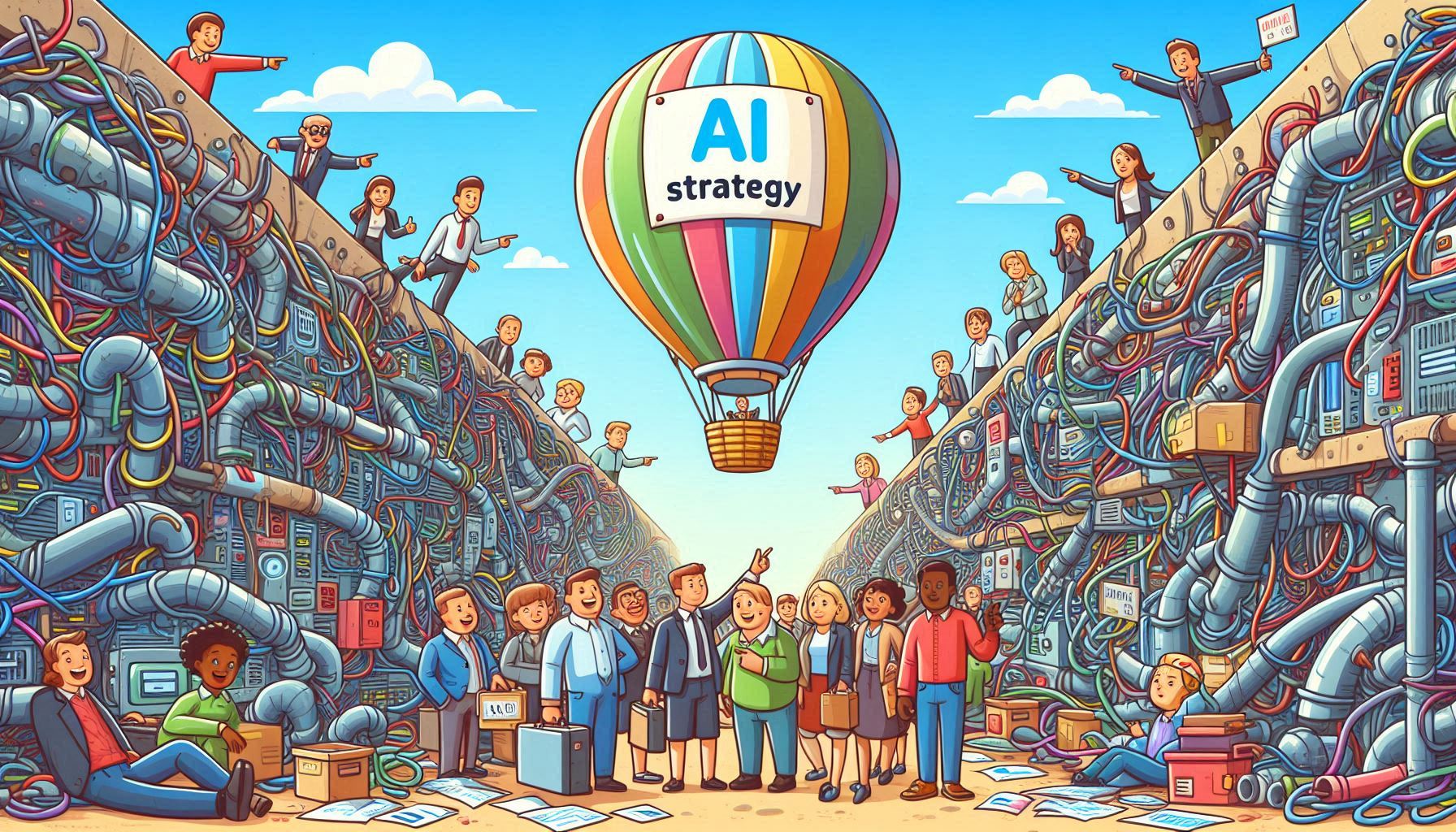
One of the biggest mistakes I see is organisations starting with: “We need an AI strategy.” Well sure… But more than that… you need a business strategy that includes AI. AI is not the goal. It’s a lever. If you don’t anchor it to tangible outcomes, you’ll end up with: The shift that works: Start…
-
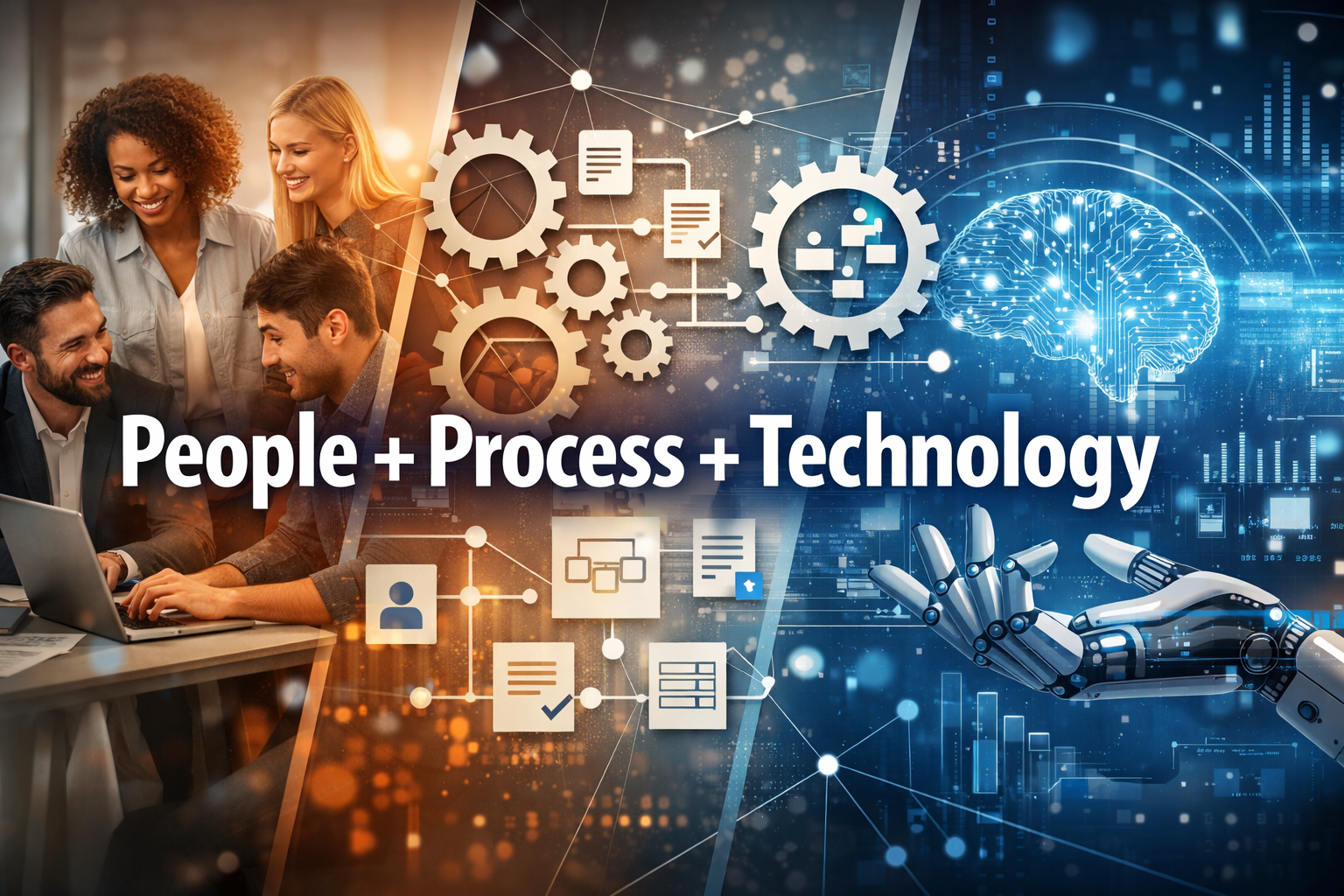
AI is everywhere right now. But adoption? That’s where most organizations stall. If you’re leading AI conversations in your business, you’ve probably noticed something: Everyone wants AI. Few are ready for it. That’s exactly why the Microsoft AI Adoption Framework exists. What is the AI Adoption Framework? The AI Adoption Framework is a structured approach…
-
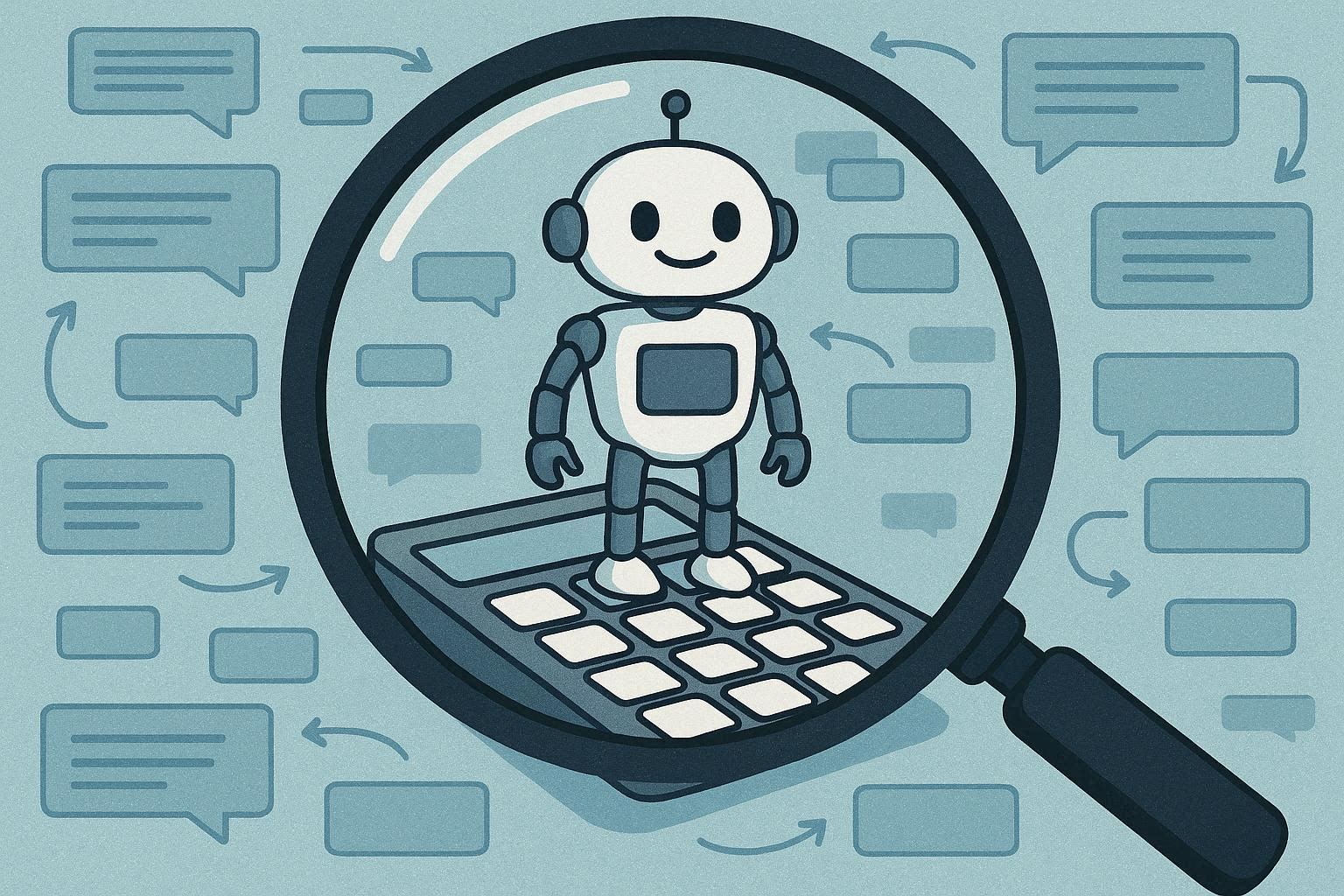
If you are planning, operating, or governing Copilots, the single most important business concept to understand is Copilot Credits. They turn every kind of agent “work” into a common unit you can forecast and control. Since September 1, 2025, credits replaced “messages” as the billing currency, which makes it much easier to compare scenarios, set…
-
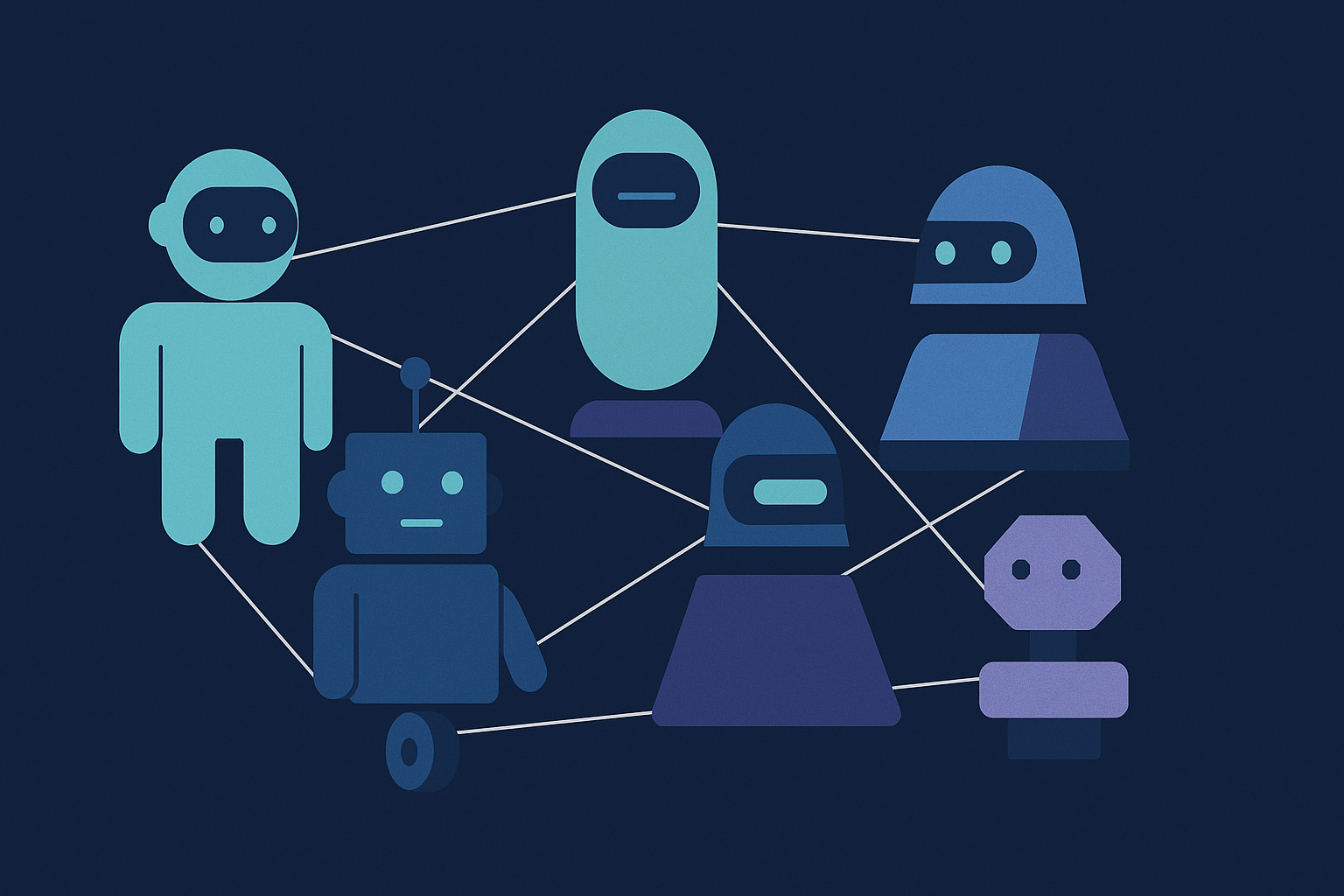
As enterprises move from simple copilots to networks of autonomous agents operating across applications, clouds, and business functions, governance, interoperability, and security become critical concerns. The Agent2Agent (A2A) Protocol has emerged as the industry’s first open, vendor‑neutral standard designed specifically to address these challenges. Creating a common language that allows AI agents to collaborate securely…
-
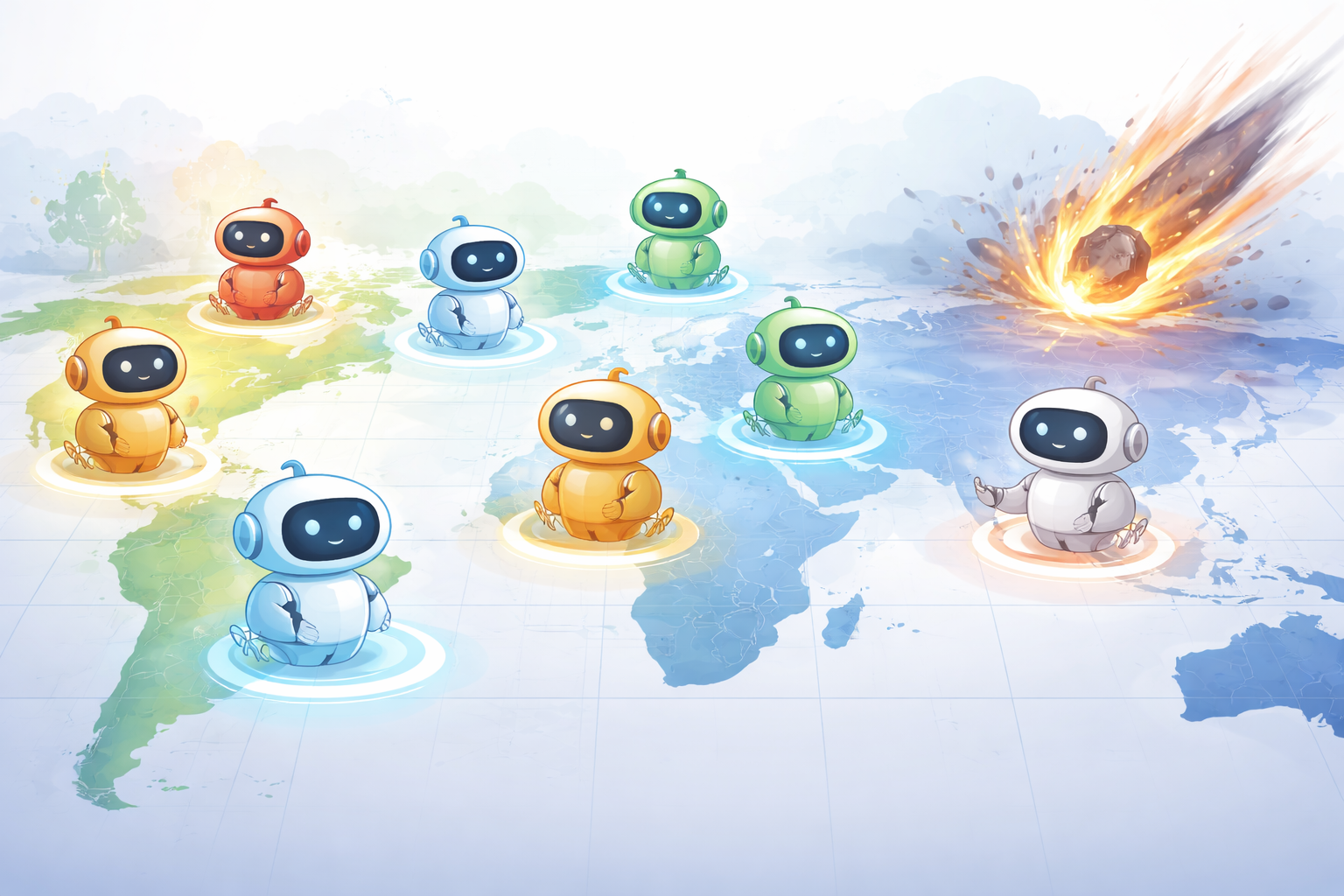
As organisations begin deploying autonomous AI agents into real operational roles, one question matters more than almost any other: What happens when something goes wrong? Not just bugs or bad prompts, but outages, regional failures, or service disruptions. This is where BCDR (Business Continuity and Disaster Recovery) becomes critical, especially in the context of Azure…
-
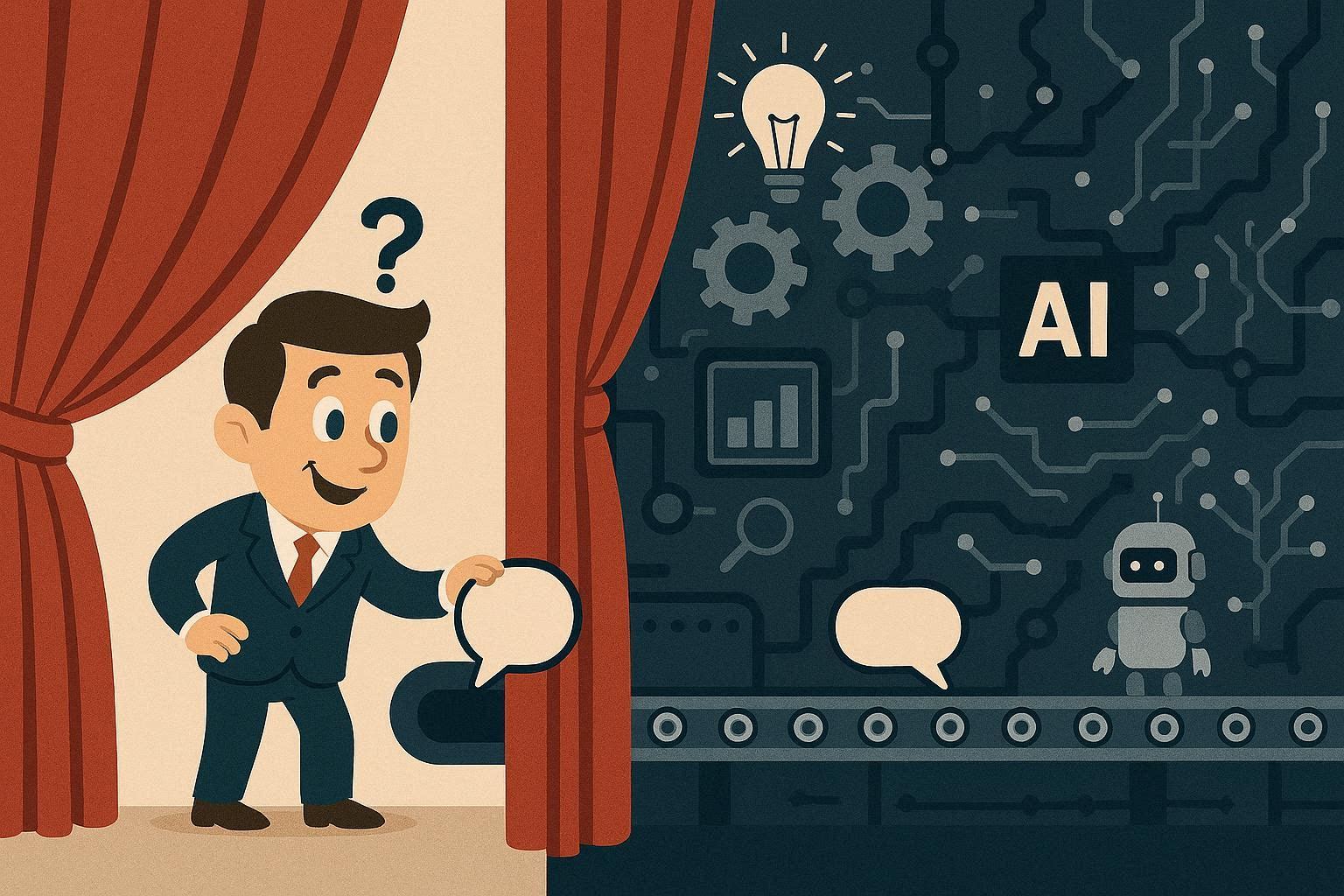
There’s a common view in tech: once you build an AI model or an agent, the hard part is done. But any technology leader knows the real challenge begins after deployment, especially with Generative AI, where outputs aren’t predictable facts but fluid language and reasoning. That’s why observability (the ability to see, understand, evaluate, and…
-
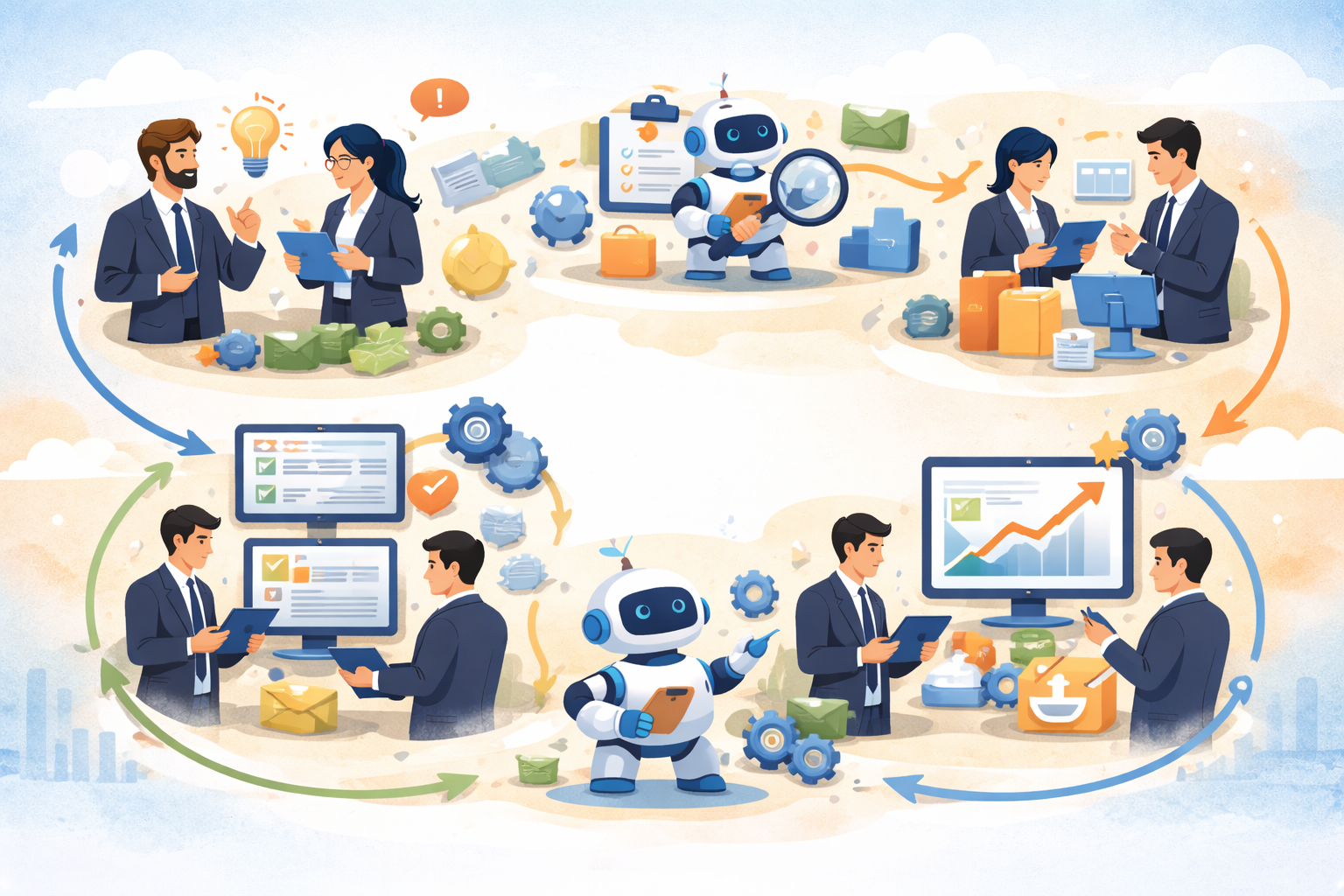
AI projects rarely fail because the technology isn’t good enough. They fail because the problem wasn’t clear, the data wasn’t ready, or expectations didn’t match reality. After working with organisations at very different maturity levels, one thing is consistent:successful AI projects follow a lifecycle, whether people realise it or not. Here’s what that lifecycle really…
-

Did you know the Australian Government has formal guidance on using public generative AI tools? Last year (2025), the Australian Government released practical guidance on how agencies should use public generative AI tools, and it’s worth paying attention to, even if you’re not in government. In practice, this guidance is now widely referenced, particularly in…
-
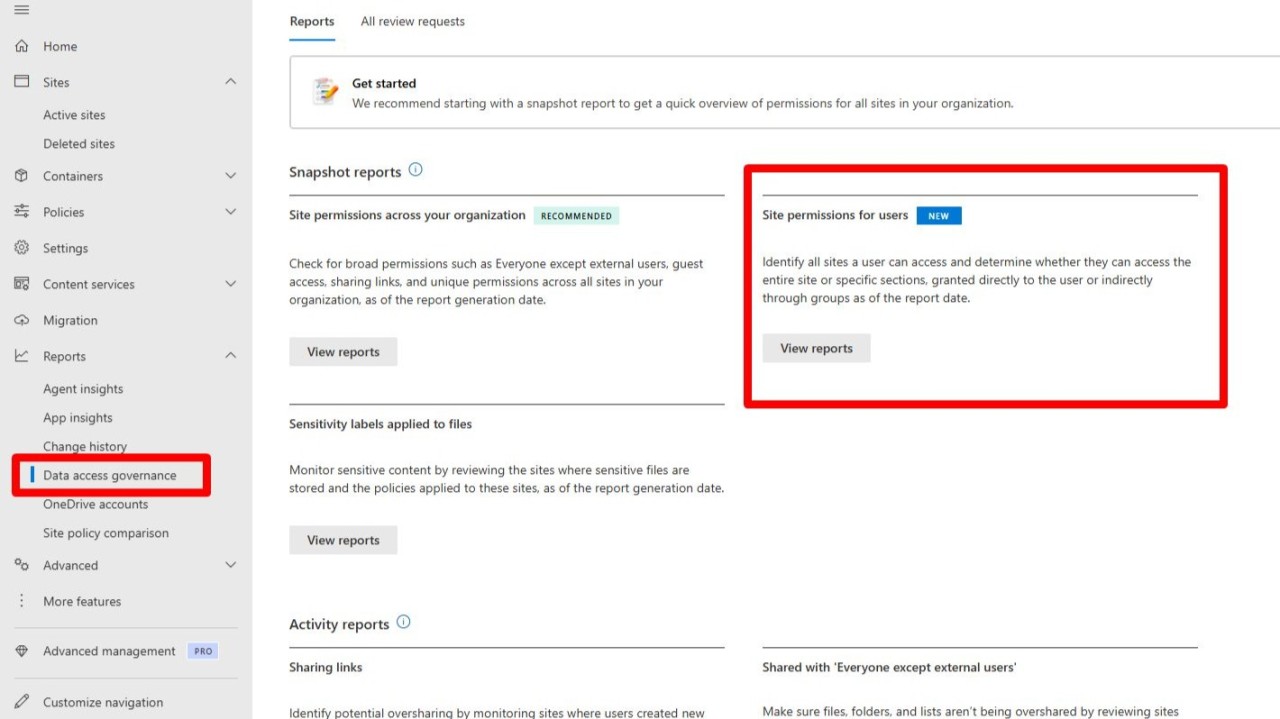
Ever been asked: “What does this user actually have access to in SharePoint?” And you know the answer may potentially be complicated 😅to report on for admins. Between site memberships, M365 groups, nested security groups, sharing links, and unique permissions, it’s rarely a simple response. Until now, answering that question properly usually meant PowerShell, compiling…
-
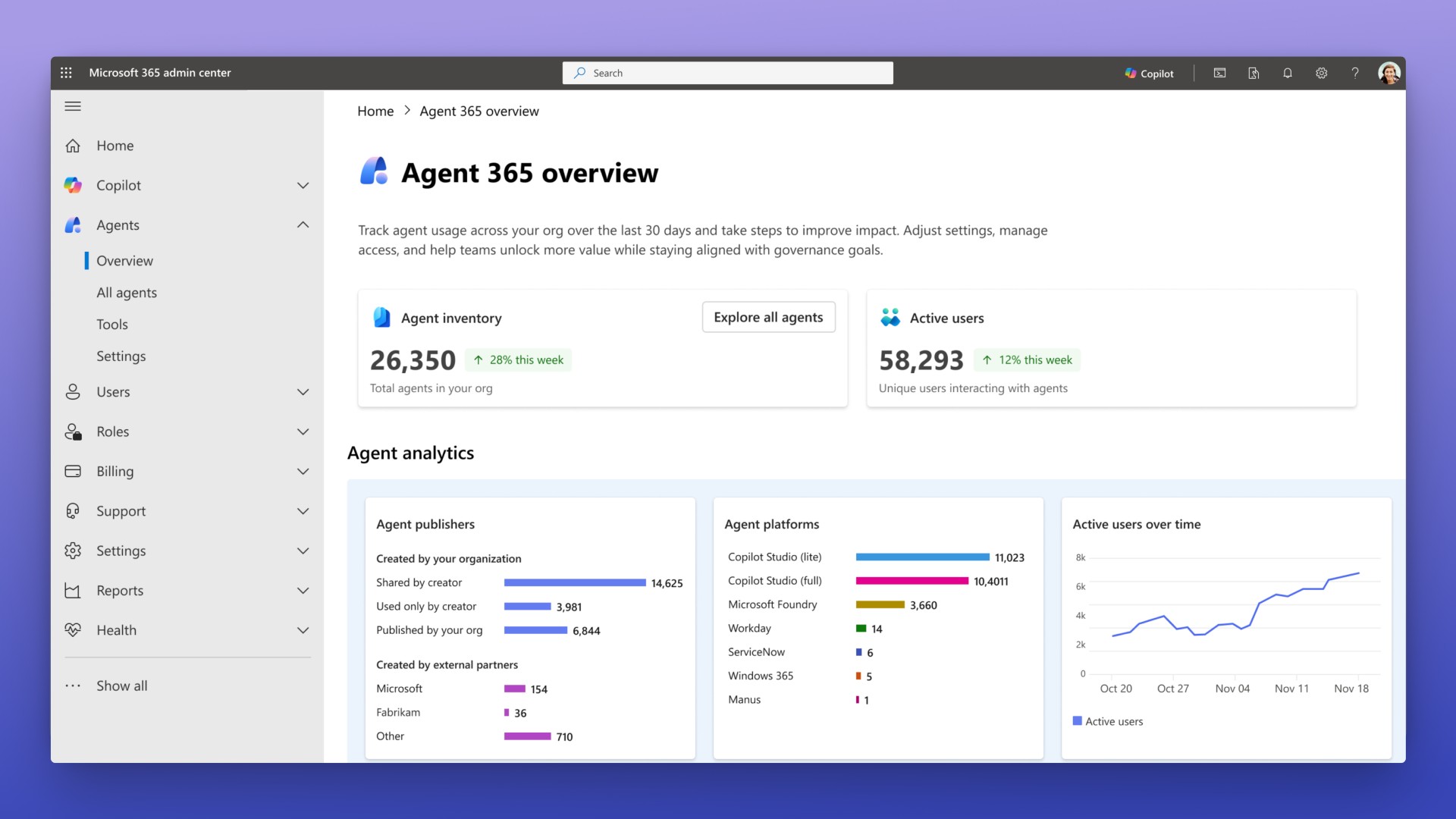
If you’ve been following Microsoft Ignite this year, you may have noticed something big quietly land among all the announcements. It’s called Agent 365, and it’s shaping up to be the missing piece we’ve all been waiting for in the world of Microsoft AI governance and enterprise-ready agents. For a while now, organisations have been…