
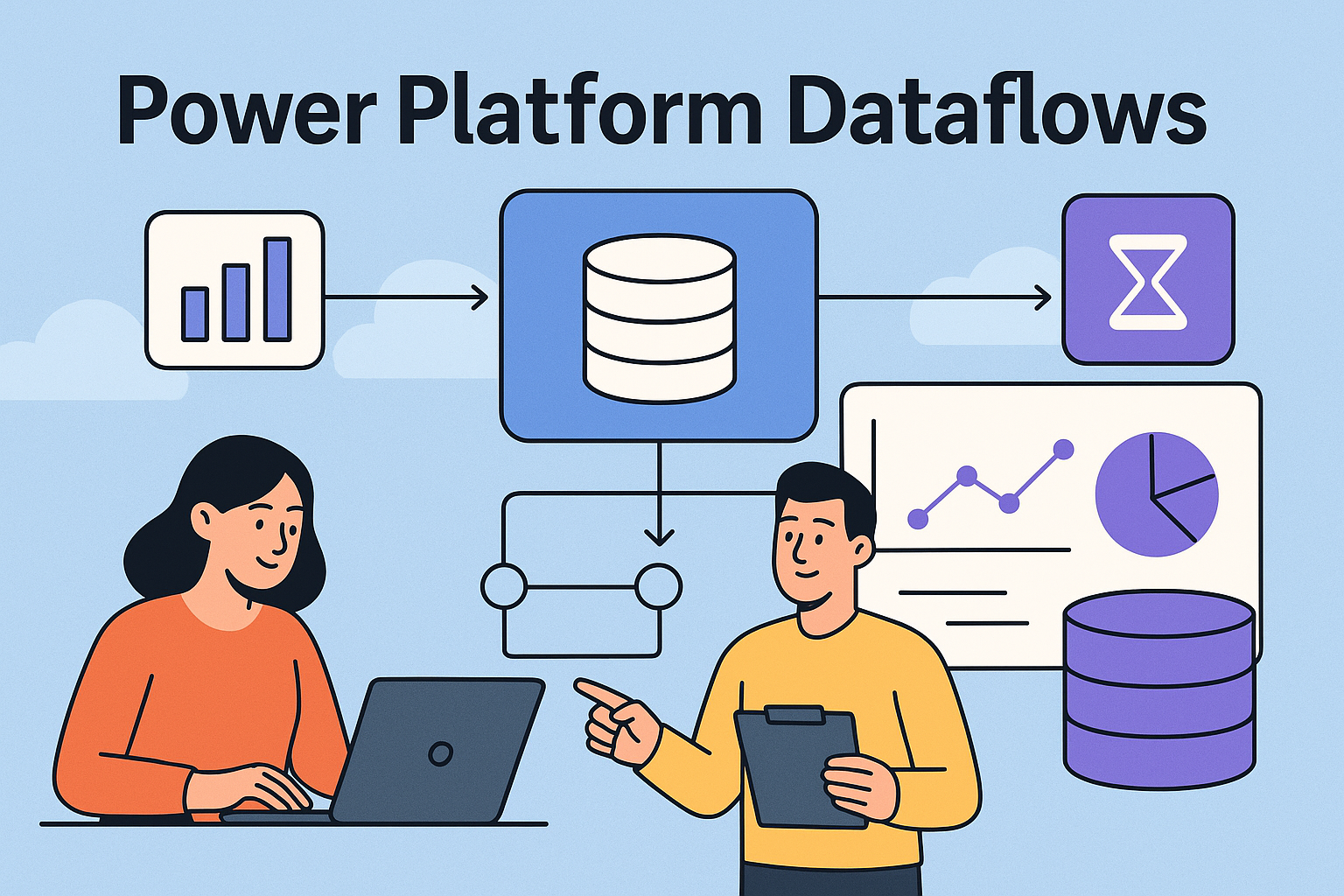
If you’ve ever hit the limits of simple connectors, repeated refresh logic, or If you’ve ever hit the limits of simple connectors, repeated refresh logic, or manual data wrangling across environments, chances are a Dataflow is exactly the tool you needed.
Dataflows are the Power Platform’s way to centralise, clean, reshape, and standardise data before it ever reaches your apps, reports, or automations. Think of them as the “ETL engine for the citizen developer world”—but equally powerful in enterprise scenarios when architected well.
What Dataflows Are Used For
Dataflows are designed for one core purpose: extract, transform, load (ETL) your data into a structured location where the rest of your ecosystem can use it.
Typical uses include:
- Data cleaning and preparation
Standardise messy input before it populates Dataverse, Power BI, or Azure storage. - Centralised refresh logic
Instead of running multiple refreshes in apps/flows, run it once in a Dataflow. - Data consolidation
Pull from multiple sources (Excel, SQL, SharePoint, APIs) and shape into a single model. - Reference/lookup lists
Populate master data into Dataverse tables for applications. - Heavy data transformation
Use Power Query’s capabilities without overloading your app or automation.
What Dataflows Can Connect To
Dataflows leverage Power Query connectors, so the list is huge. The most common enterprise sources are:
- SQL Server / Azure SQL
- SharePoint lists & document libraries
- Excel (OneDrive/SharePoint)
- Dataverse
- Azure Data Lake Gen2
- Web APIs
- Salesforce
- Oracle
- SAP
- Power BI datasets
Essentially, if Power Query can read it, a Dataflow can reshape it.
How Dataflows Are Used in the Power Platform
You typically use Dataflows in one of two ways:
1. Load Into Dataverse
This is perfect for app makers and solution architects who want:
- Normalised data
- Lookup relationships
- Data types that behave consistently
- Security managed by Dataverse
Once loaded, your apps, flows, and portals all consume the same, consistent dataset.
2. Load Into Azure Data Lake (Analytical Storage)
This is better for:
- Large analytical workloads
- Machine learning pipelines
- Big datasets
- Power BI modelling
- Enterprise data integration scenarios
Architect Insights: What You Should Know
1. Dataflows Are Environment-Bound
Each environment has its own Dataflows. If your governance strategy includes multiple business units or sandboxes, plan:
- Where the Dataflows live
- How they deploy across ALM pipelines
- Refresh schedules that don’t overload capacity
2. Think Carefully About Writebacks to Dataverse
Dataflows overwrite data on each refresh unless incremental refresh is configured.
If other processes are updating the same tables, you need rules for:
- Timestamp priority
- Conflict resolution
- Keeping system columns intact
3. API Usage and Performance Still Matter
Dataflows are not “free” in terms of API calls or compute.
Refreshing against Dataverse or large external systems can be expensive.
This is often missed until performance tanks.
4. Use Incremental Refresh Where Possible
Without it, Dataflows reload the entire dataset every time.
For large tables, this is a guaranteed performance bottleneck.
5. Take Advantage of Staging Layers
A strong pattern is:
Source → Staging Dataflow → Curated Dataflow → Dataverse
It makes debugging easier, reduces refresh times, and supports reusability across apps and workspaces.
6. Beware Using Excel as a Primary Source
It works, but it’s fragile:
- Names change
- Sheets move
- People overwrite columns
If Excel must be used, at least enforce governance around:
- File structure
- Location
- Ownership
7. Dataflows Are Not a Replacement for Full ETL Tools
Yes, they’re powerful.
No, they’re not SSIS, ADF, or Fabric Data Pipelines.
Use Dataflows for:
- Light to medium ETL
- Citizen-developer accessible logic
- Business-data wrangling
- Centralised Power Platform data prep
Use enterprise pipelines for:
- Complex dependency chains
- Very large datasets
- High-volume transactional loads
- Cross-system orchestration
Best Practices for Reliable Dataflows
✔ Use Solutions for Deployment
Dataflows can be added to solutions, use this to maintain ALM discipline.
✔ Document Your Transformations
Comment your Power Query steps.
Your future self and your team will thank you.
✔ Keep Transformations as Close to the Source as Possible
Push logic upstream where you can.
Don’t use Dataflows to fix avoidable upstream issues.
✔ Always Monitor Refresh Failures
Refresh failures give you early warnings about:
- Schema changes
- API throttling
- Authentication failures
Build a habit of checking the refresh history.
✔ Standardise Naming Conventions
This is small but critical.
A clear pattern like:
DF-Stage-CustomerDF-Curated-Customer
Makes governance infinitely easier.
The Bottom Line
Power Platform Dataflows are one of the most underrated tools in the ecosystem.
Used well, they clean your data, reduce duplicated effort, and strengthen your architecture.
Used poorly, they create hidden dependencies, performance issues, and confusion for makers.
If your goal is scalable Power Platform governance, Dataflows aren’t optional, they’re part of the backbone that keeps your data reliable and your apps behaving predictably.
Leave a Reply