
Category: Technical Skills
-
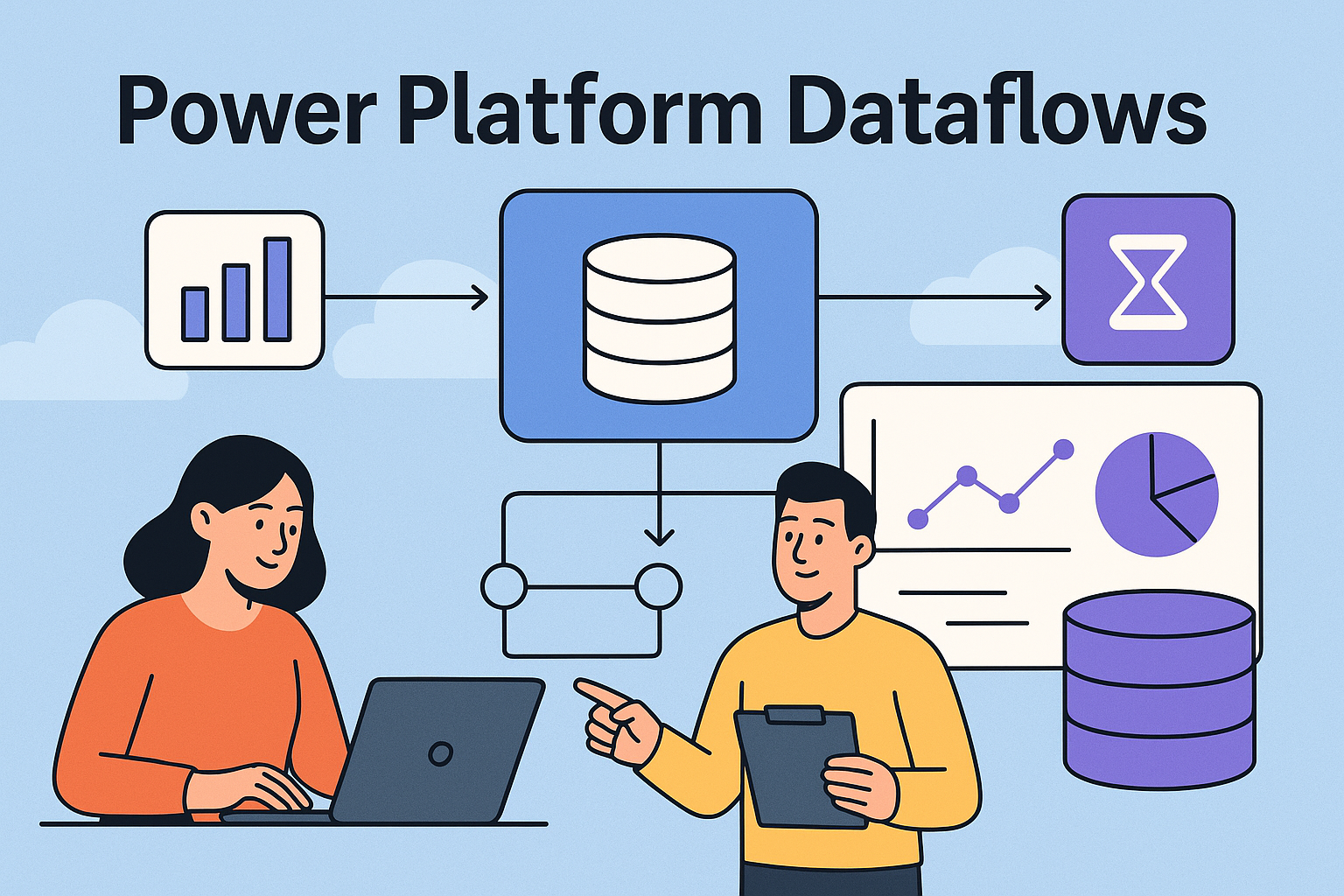
If you’ve ever hit the limits of simple connectors, repeated refresh logic, or If you’ve ever hit the limits of simple connectors, repeated refresh logic, or manual data wrangling across environments, chances are a Dataflow is exactly the tool you needed. Dataflows are the Power Platform’s way to centralise, clean, reshape, and standardise data before…
-
Vibe coding is basically building software by describing what you want in natural language and letting the system turn that into code. Instead of wrestling with syntax, you guide the outcome through prompts, testing, and quick iterations. It feels more like brainstorming than traditional coding, which is why it is becoming such a big talking…
-
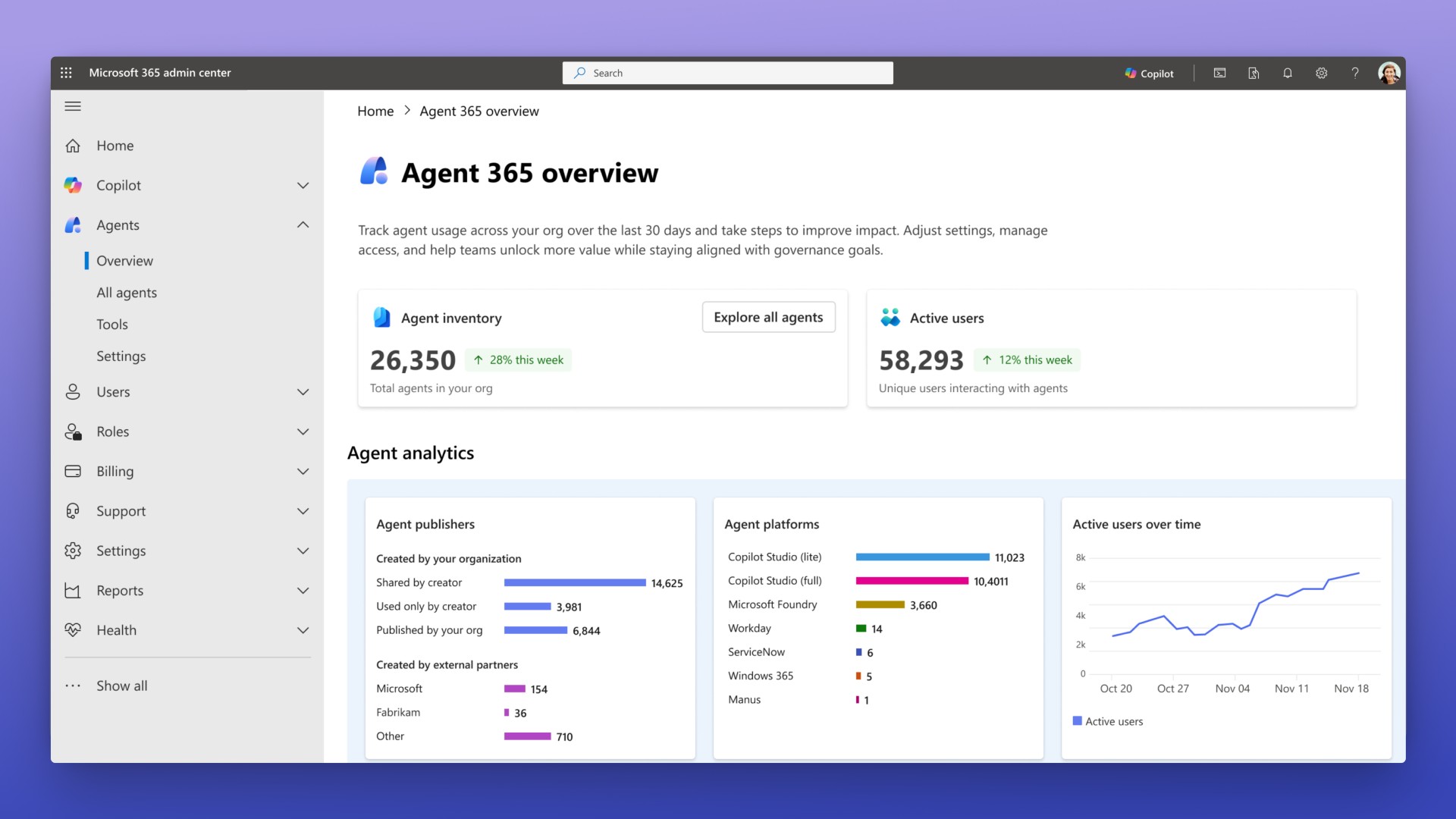
If you’ve been following Microsoft Ignite this year, you may have noticed something big quietly land among all the announcements. It’s called Agent 365, and it’s shaping up to be the missing piece we’ve all been waiting for in the world of Microsoft AI governance and enterprise-ready agents. For a while now, organisations have been…
-
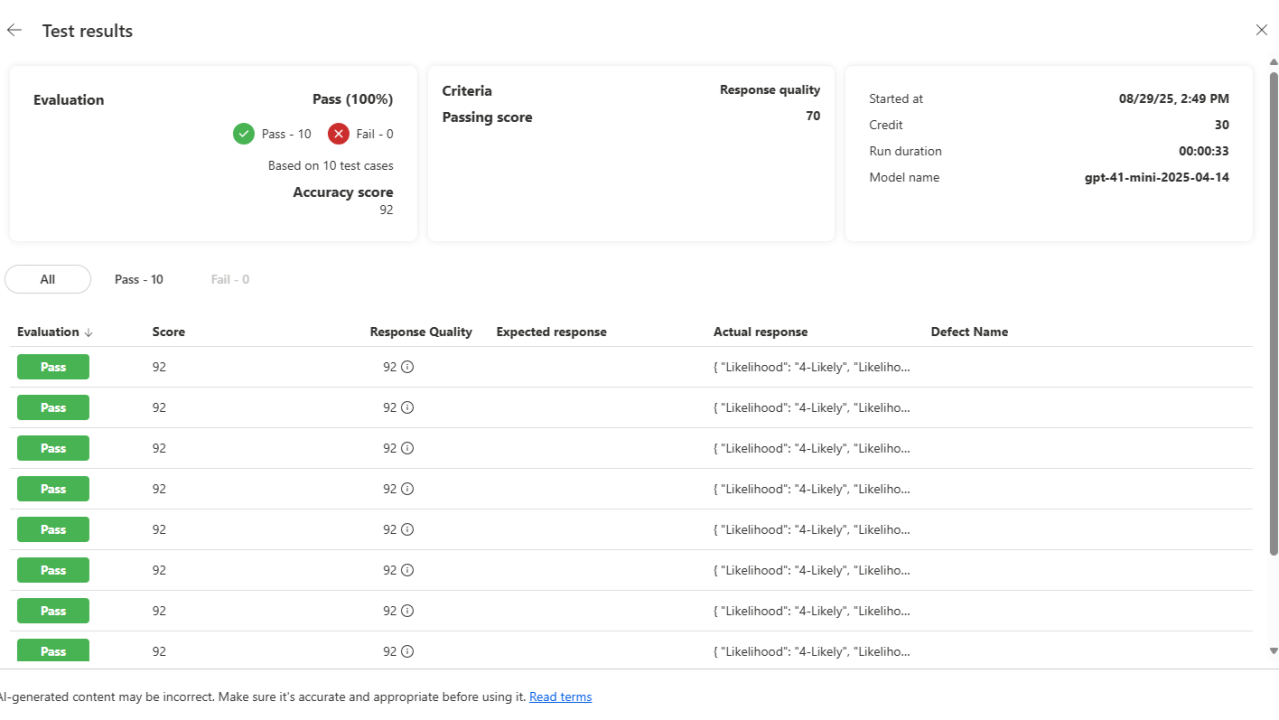
My team recently came across a new feature in Microsoft’s AI prompt management interface called Test Hub (Preview), and it looks like a game-changer for anyone working with reusable prompts. Traditionally, testing AI prompts has been a bit of a trial-and-error process. You’d tweak a prompt, run it, check the response, and repeat until it…
-
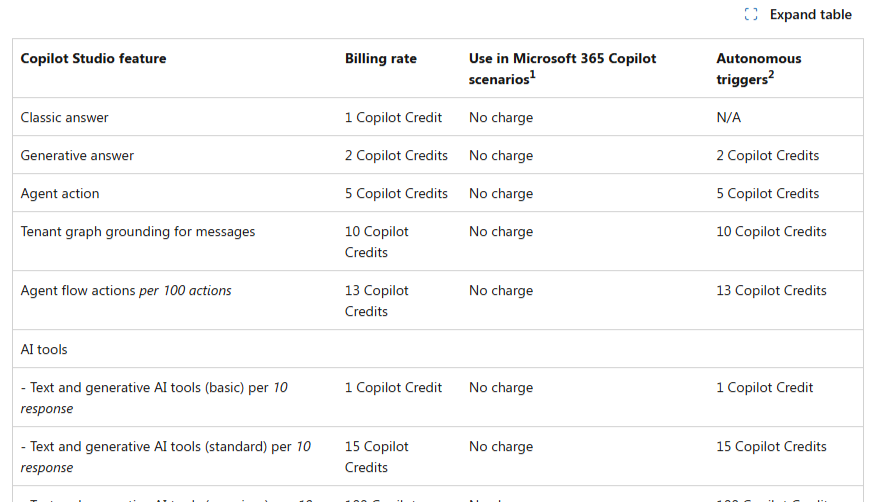
Licensing isn’t the most exciting topic in technology — until it becomes the reason innovation is blocked. For many organisations, Copilot Studio licensing has been that blocker. While the per-user licensing model for Microsoft 365 Copilot was straightforward, around $40 per user per month for productivity enhancements in Word, Excel, Outlook, PowerPoint, and Teams, the…
-
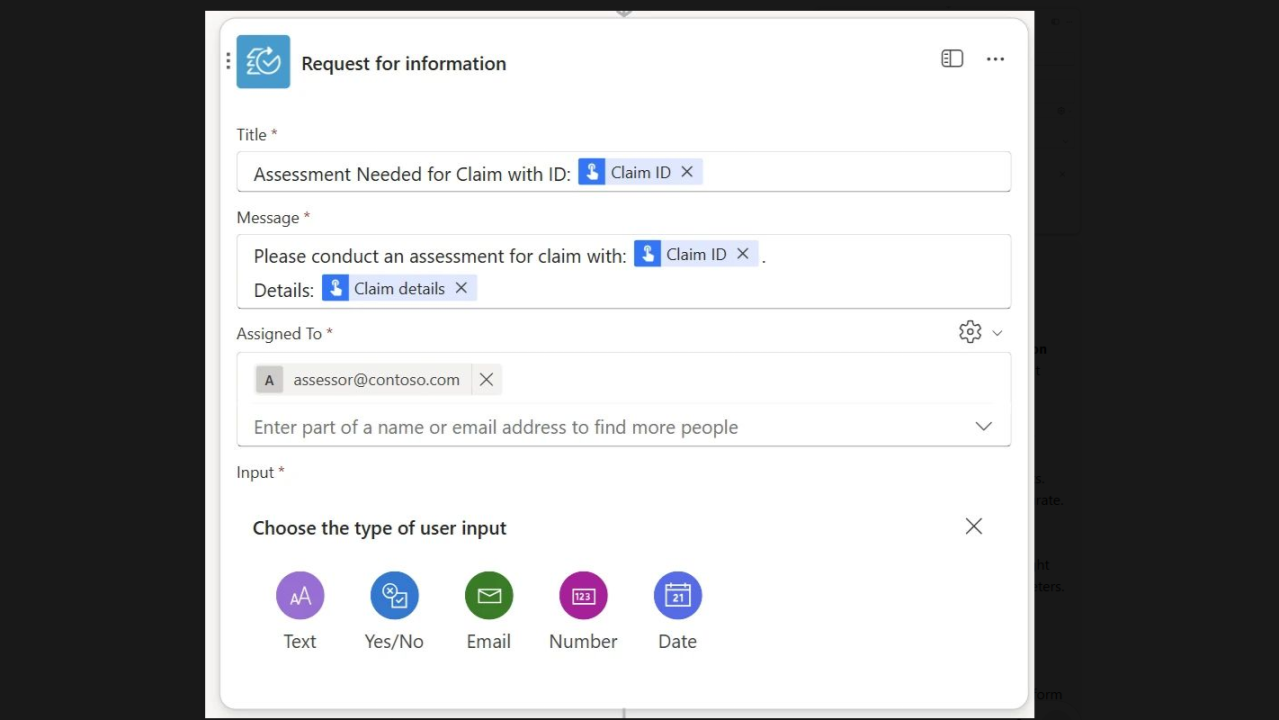
Microsoft has just released a preview of Request for Information (RFI) in Copilot Studio agent flows, and I think this is one of the most important updates yet for organizations building AI-powered automations. Why? Because automation is powerful, but judgment still matters. In industries like insurance, finance, healthcare, or legal, there are moments where AI…
-
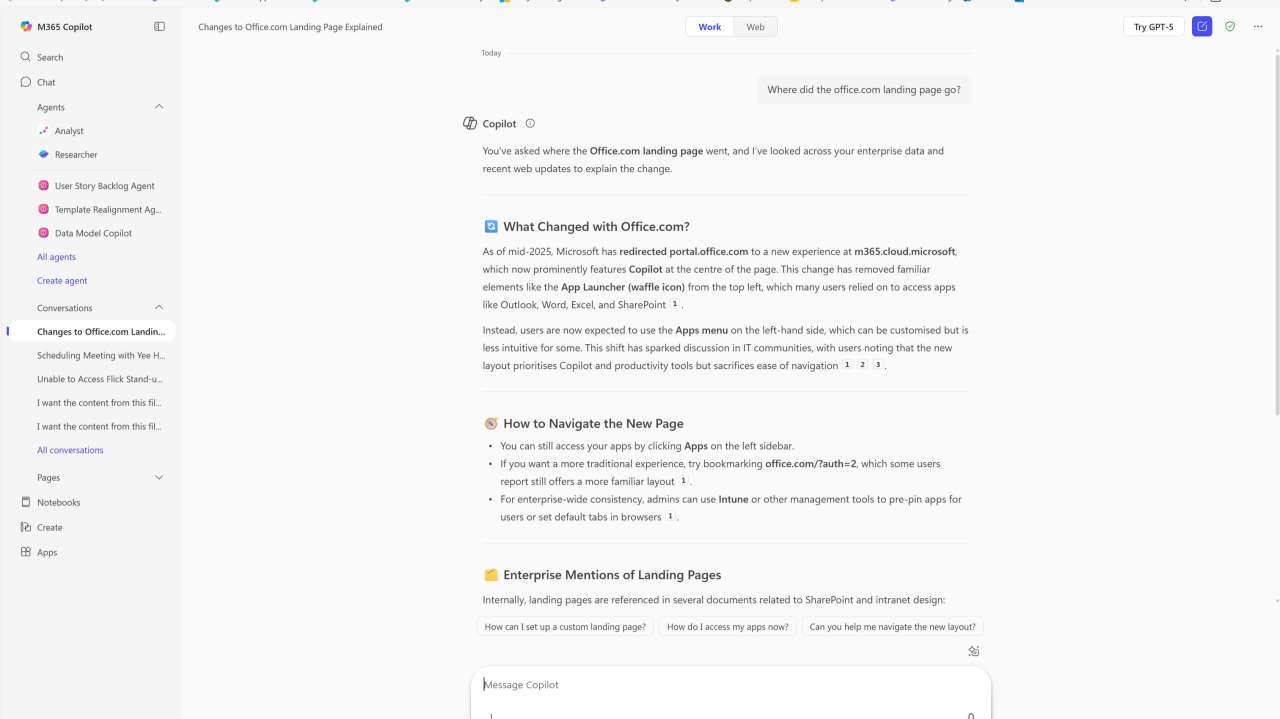
A New Era of AI-Powered Productivity Microsoft has reimagined the Office.com experience for business and enterprise customers. Rather than landing on apps and recent documents, users are now greeted with the Copilot Chat interface, a free, AI-driven chat service included as part of many Microsoft 365 subscriptions. This shift marks a pivotal moment, Copilot Chat…
-
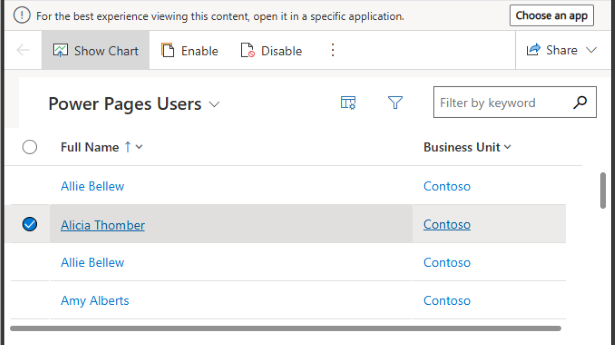
Power Pages just took an important step toward tighter platform integration and better enterprise-grade capability. In the 2025 Wave 2 release plans, Microsoft is introducing a change that aligns Web Roles in Power Pages with Dataverse Security Roles for users authenticated via Microsoft Entra ID (formerly Azure AD). This means that when users make updates…
-

What if your Dataverse tables could think for themselves? With the new Prompt field capability in Microsoft Dataverse, we’re entering a new era where business applications don’t just store data—they understand it. 📌 What Is the Prompt Feature in Dataverse? In simple terms, this feature lets you embed a natural language AI prompt directly into…
-

If you’ve ever built a flow in Power Automate and thought, “Let me just tidy this up with a Scope,” only to find yourself buried under a stack of cryptic failure messages — you’re not alone. Scopes are meant to bring structure. They help group actions together, simplify error handling, and improve readability. But without…