
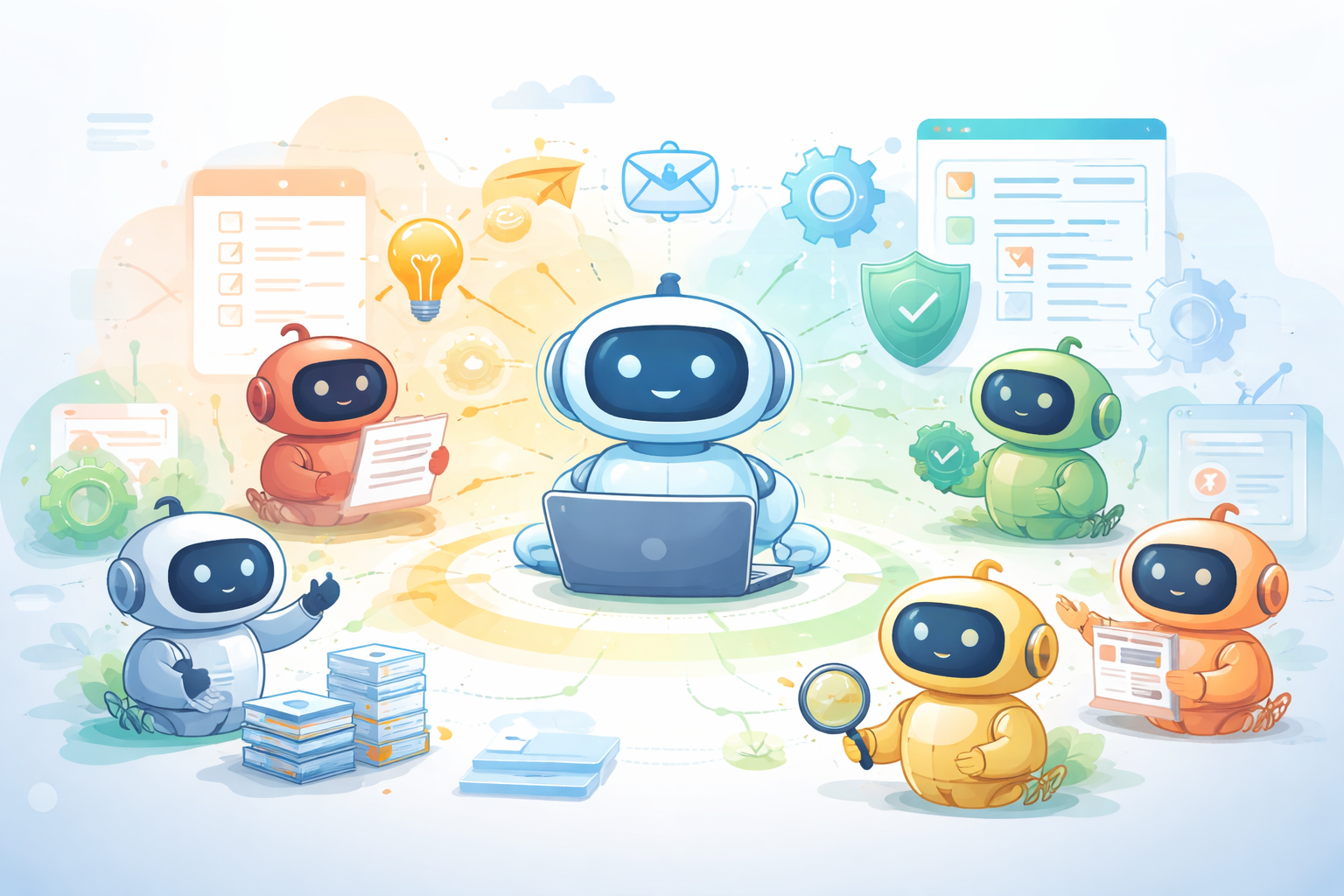
AI assistants are useful. Autonomous agents are a step change.
If Copilot is the colleague you ask for help, autonomous Copilot agents are the colleagues who just get on with the work.
Not in a sci-fi way. In a very practical, enterprise-ready way.
This article is about:
- What autonomous Copilot agents actually are
- How they work (in plain language)
- Why this matters for business and technology leaders
- And where they create real value today, not “someday”
First: What Is an Autonomous Copilot Agent?
Autonomous meaning without a manual trigger or conversation to perform actions. They can sit in wait for specific scheduled, triggers or events, just like Power Automate.
An autonomous Copilot agent is an AI-driven worker that can:
- Detect when something needs to happen
- Decide what actions to take
- Execute tasks across systems
- Follow guardrails and business rules
- Ask for human help when it should
- And keep working without constant prompting
Think less chatbot, more digital team member.
How Autonomous Agents Work (Using a Familiar Mental Model)
If you look at how an autonomous agent operates, it should feel very familiar to anyone who understands Power Automate.
Here’s the lifecycle, mapped to real-world concepts:
1. Trigger Activation
This is just like your Power Automate triggers.
An agent can wake up when:
- A record changes
- A document is uploaded
- An email arrives
- A threshold is breached
- A schedule runs
The key difference? Instead of a rigid flow starting, an agent starts thinking.
2. AI Reasoning
This is where autonomy begins.
The agent evaluates:
- What happened
- What context matters
- What the goal is
- What actions are available
Instead of “if X then Y”, it’s closer to “given what I know, what should happen next?”
This is critical for handling:
- Exceptions
- Incomplete data
- Variations in real-world processes
3. Process Automation
Now the agent acts.
This is where it can:
- Updates Dataverse records
- Calls Power Automate flows
- Sends emails or Teams messages
- Creates tasks
- Calls APIs
- Triggers downstream systems
This is not theoretical. Agents can already send emails, update systems, and orchestrate work across your environment.
4. Follow Guardrails
This is what makes them enterprise-ready.
Agents must operate within:
- Security roles
- Data policies
- Compliance rules
- Defined scopes of authority
They don’t “go rogue”. They only act within what you explicitly allow.
This is a huge difference between consumer AI and enterprise AI.
5. Seek Assistance (When Appropriate)
This part is often overlooked, and incredibly important.
Autonomous agents are always designed to:
- Pause when confidence is low
- Escalate edge cases
- Ask humans for decisions
- Log rationale for transparency
Autonomy does not mean removing humans. It means involving them only when they add value.
6. Orchestrate Other Agents
This is where things get really interesting.
Agents can:
- Delegate work to other agents
- Specialise (one for finance, one for compliance, one for customer comms)
- Coordinate complex, cross-domain processes
This mirrors how real teams work — not how flows work.
Why Calling Other Agents Is a Big Deal
This isn’t just a technical feature, it’s an operating model shift.
Instead of:
- One giant automation
- Brittle logic
- Endless exception handling
You get:
- Modular agents
- Clear responsibilities
- Easier change and scaling
Example:
- A “Customer Intake Agent” detects a new request
- A “Risk Agent” assesses compliance
- A “Communications Agent” updates the customer
- A “Case Agent” tracks resolution
Each does one thing well. Together, they deliver end-to-end outcomes.
Knowledge Sources: Where Agents Get Their Power
Autonomous agents are only as good as what they know (and where they’re allowed to look).
Common enterprise knowledge sources include:
- Dataverse tables
- SharePoint document libraries
- Policies and procedure documents
- CRM and ERP data
- Historical cases or tickets
- Structured reference data
The value here isn’t just retrieval.
It’s contextual application:
- Applying policy correctly
- Using precedent
- Tailoring responses
- Making consistent decisions
This is where agents stop being “AI” and start being institutional memory.
Real Business Scenarios (Not Demos)
Here’s where I see immediate, practical value:
1. Operational Triage
Agents monitor queues, spot issues, classify work, and route intelligently (without daily manual oversight).
2. Internal Service Teams
HR, IT, Finance agents handle routine requests end-to-end, escalating only exceptions.
3. Governance & Compliance
Agents continuously check data, access, and configurations (not just at audit time).
4. Customer & Partner Operations
Agents manage intake, updates, follow-ups, and status communications automatically.
5. Delivery & Project Health
Agents watch signals across tools and flag risks before humans notice them.
Enhancing Agent Intelligence (A Word of Caution)
There are still many preview features that allow agents to:
- Learn from outcomes
- Adapt behaviour
- Improve decision quality over time
These are powerful, and evolving quickly.
My advice:
- Treat previews as experiments
- Use them in controlled scopes
- Expect change
- Design for iteration, not permanence
The opportunity is huge, but governance matters.
What This Means for Leaders
Autonomous agents aren’t about replacing people.
They’re about:
- Removing operational drag
- Reducing cognitive load
- Scaling decision-making
- Letting humans focus on judgment, creativity, and relationships
If Power Automate helped organisations automate tasks, Autonomous Copilot agents help organisations automate responsibility.
That’s the real shift.
And it’s already here.
If you’re exploring how this fits into your Power Platform, Copilot, or broader AI strategy, I’d love to hear what problems you’re trying to solve.
Because with agents, outcomes matter far more than features.
Modern Applications and Power Platform Solutions Architect at Velrada.
Technical Consultant Helping organizations unlock the full potential of their Microsoft efficiency tools.
Feel free to share your thoughts or connect with me to discuss AI or Microsoft efficiencies.
Leave a Reply